Nowadays, Android phones gained lot of attraction across worldwide because of its spectacular features like high resolution camera, wide range storage capacity that stres all media files (videos, music, photos, movies, etc.), light weight, high performance, long lasting battery, motions, gestures to control device and so forth. In other words, Android phone is more like fun than work if you really rely on it for things like this. In spite of all these excellent features at times in hurry or by mistake user may accidentally delete their media files from Android phone while performing some other task due to its highly sensitive touch screens.
Each and every media file holds importance and express a message. Just Imagine, you have deleted media files intentionally or inadvertently from your Android phone. It’s really a nightmare for any one! However, in such instances what could be the next strategy. How could you get your deleted media files back on your Android Smartphone? Are you aware of any such Android data recovery techniques or tools? Just in case, if your reply is “NO”, then don’t get upset; luckily you can get rid of all these problems with few clicks of mouse, if you have Remo Recover for Android software. This tool is incorporated with advanced algorithms to scan complete Android phone vigorously and retrieve deleted media files within matter of minutes.
Before proceeding towards recovery process, let’s understand common reasons behind deletion of media files from Android Smartphones:
- Improper Handling of Phone: Ejecting memory card without switching off the phone or removing the card from in between media file transferring process results in deletion of data
- Unintentional Deletion: While deleting useless data, at times you may delete some valuable media files
- Virus Attack: Hazardous virus attack to Android phone when connected to system results in deletion of media files
- Other Reasons: Memory card corruption, unintentional formatting, OS corruption, Restore factory settings and so on.
How to Recover Deleted or Lost Files from Android Phone
- Recover Deleted photos or Videos from Google Photos
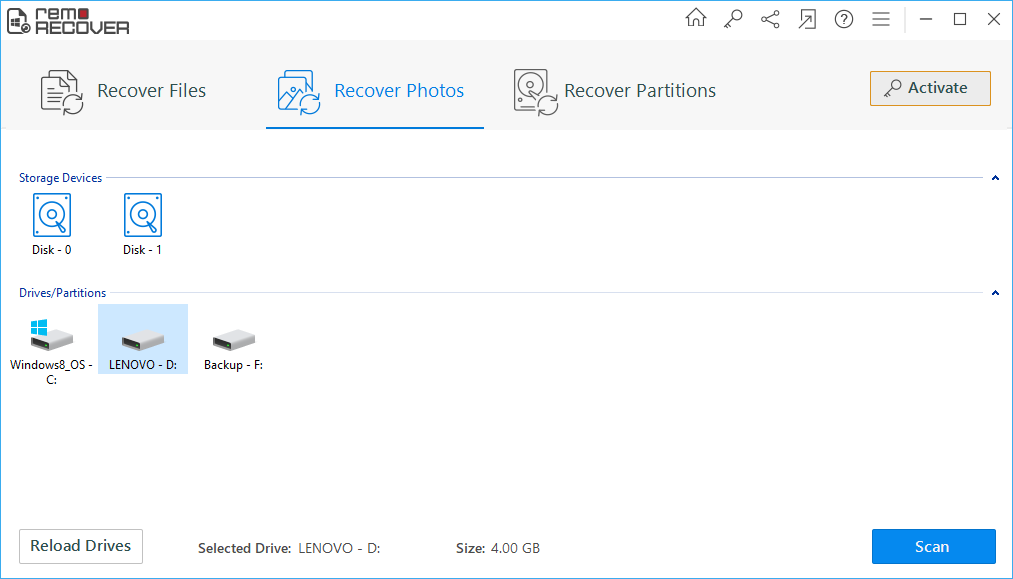
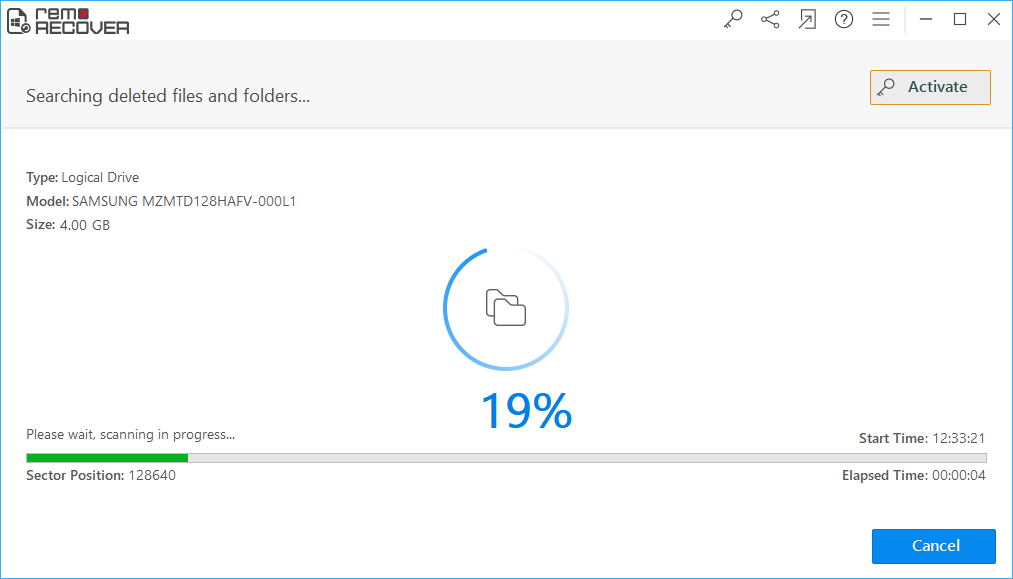
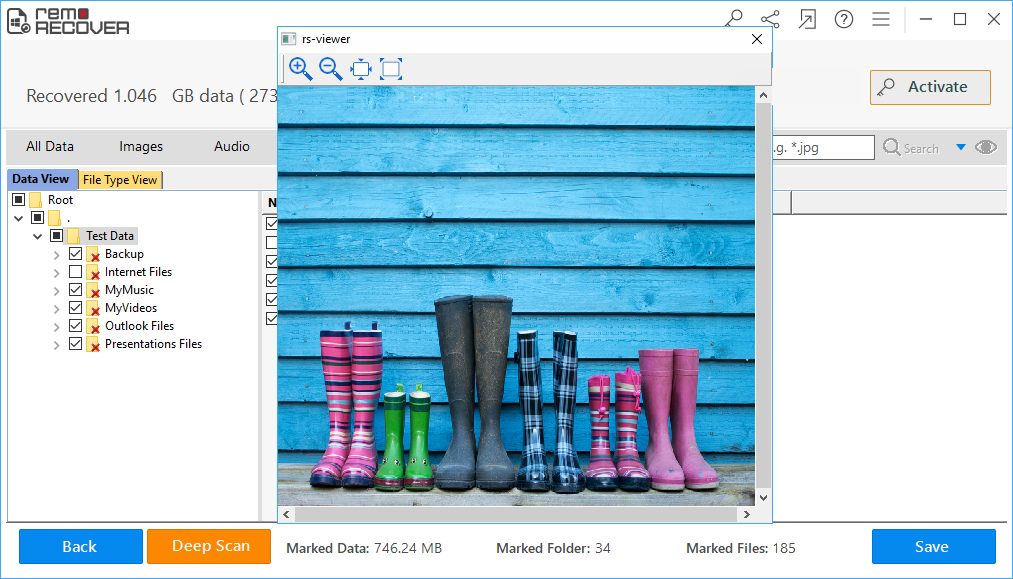
- Recover lost or deleted photos using Remo Recover
How to Recover Deleted photos or Videos from Google Photos
If you deleted an item and want it back, check your trash to see if it’s there.
- On your Android phone, Go the Google Photos app
- Tap Library > Trash .
- Press the photo or video you want to restore.
- At the bottom, tap Restore. The photo or video will be back:In your phone’s gallery app, In your Google Photos library, In any albums it was in
If the item is not in your trash, it may be permanently deleted.In such cases you will need a reliable data recovery tool to recover deleted media files from Android Phone
Why to Opt Remo Recover for Android Software:
However, if you are looking to recover data from phone SD card which can help you can recover data from phone SD card
Remo Memory card Recovery tool is one of the best SD card recovery software to recover data from memory card on Windows and Mac operating systems. This memory card recovery tool is integrated with advanced data recovery algorithms, that scan every sector of the memory card and recover the inaccessible data.
How to Use Remo Recover
Download and install Remo Memory Card Recovery software on Windows or Mac and follow the below steps.