15 Million Users! 30-day money-back guarantee. Risk-free.

Buy Remo Recover Windows

Choose the plan that's best for you!

For Business License Click Here >

1 Month License

Retail $79.97 $69.97 / month Buy Now Monthly License Monthly Subscription
  • 30-Day Money Back Guarantee
  • Monthly License for 1 PC
  • Standard Tech Support
Most Popular

6 Months License

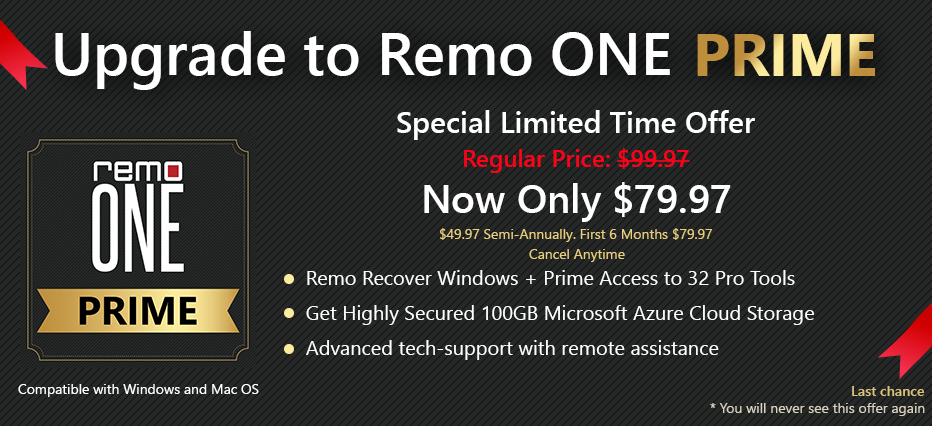
Retail $89.97 $79.97 / 6 months Buy Now $49.97 Semi-Annually. First 6 Months $79.97 Auto Renews. Cancel Anytime
  • 30-Day Money Back Guarantee
  • Semi-annual License for 1 PC
  • Remote advanced data recovery assistance

Lifetime License

Retail $399.97 $199.97 Buy Now Lifetime License LifeTime License for 1 PC
  • 30-Day Money Back Guarantee
  • LifeTime License for 1 PC
  • Remote advanced data recovery assistance
  • Unlimited
    Recovery
  • Instant License Key
    Delivery by Email
  • Free Standard
    Tech Support

Frequently Asked Questions

We support payment methods such as Credit card, PayPal, and Bank/Wire Transfer. However, Credit card and PayPal are always preferred.

Once you purchase the Remo Recover Windows, you will receive a product activation email. In the email, you will have a link to setup a password for your Remo ONE account where you can see the license key to activate the software.

To activate Remo Recover software, follow the below simple steps:

  • Check your inbox for an email with the subject "Remo Recover Windows - Product Activation".
  • You will find a weblink in the email to create a password for your Remo ONE account.
  • Click on that weblink and create a password for your Remo ONE account.
  • Once the password is set, please open Remo Recover software on your computer and click on the Activate button.
  • A browser window opens and prompts you to purchase the software, please close it.
  • Now, you could see the activation window of Remo Recover software.
  • Click on Login, enter your Email Address (used while purchasing the software) and the Password (created under Step 3) and click Submit to activate the software.

Note: In case you couldn’t find the Product Activation email in the Inbox, please check in Junk or Spam folder.

If you are still unable to find our email or are having trouble trying to activate the software, please follow the instructions below and use the License Key to activate the software.

License key steps:

  • Open Remo Recover software and click on the Activate button.
  • A browser window opens and prompts you to purchase the software, please close it.
  • Now, you could see the activation window of Remo Recover software.
  • Click on Enter the License Key button, copy and paste the above License Key in the activation text box and click Activate.

Note: Please make sure that you are not copying any extra space with the License Key.

You can use the same license key twice to activate the software. After two activation, you will see the device activation limit exceeded error. Then you need to login to Remo ONE account and remove the previously activated device or contact support team for resetting the activation limits.

Yes, we provide time to time free updates after you have purchased the software. If you are a lifetime user, you will receive the updates for the rest of the product lifecycle. Similarly, for subscription based purchase, you will receive updates till the subscription is active.

Why Choose Remo?

100% safeSecure

100% SatisfactionGuarantee

10 Million+Downloads

Free TechSupport

Live Chat24/7 Support