Recover compressed files
As we all know, compressed files play a vital role in data transfer. Compressing huge file folders into feasible ZIP/RAR files can not only save hard drive space but also time. However, some email clients might implement limitations on the size of the files to be attached and sent over the internet, in such cases you cannot send the files if their size exceeds the limit. File compression comes in handy in such scenarios.
In some unforeseen circumstances you might accidentally delete, lose or the compression files becomes inaccessible due to corruption. If you are experiencing any of the mentioned scenarios, this article is for you. Learn the most effective method how to restore your compression files.
Why will you need to perform Compression File Recovery
- CRC error
- Loss of compression file due to file corruption
- Interruption while downloading compression files
- Improper conversion of compression files
- Virus intrusions
Above-listed are the most common scenarios reported by multiple users for inaccessibility or data loss of the compression files.
How to Recover Compressed files from a corrupt ZIP and RAR archive?
However, considering a situation in which you have received the project details in a compressed ZIP format. It contains many compressed files which are very important for your project. Since they are compressed, this single ZIP file contains all the important files which you need very urgently. You will download the .zip folder from your mail and delete that mail permanently. After which, when you try to open the folder and extract the files you may encounter an error stating Cannot open file: It does not appear to be a valid archive. This indicates that your ZIP file is corrupt or damaged due to corruption. This corruption will lead to the loss of not just one file but all the other compressed files contained in that folder will be lost. Thus, you have lost all your files that were compressed and sent.
In case you have experienced similar situations, what will you do and how will you handle it? You can easily recover your compressed files from the damaged ZIP archive. You can repair your corrupt Zip archive and easily extract the compressed files from it.
All these can be achieved with the help of the Remo Repair tool, which is the ultimate tool that can retrieve your compressed files which are of both ZIP and RAR formats. In addition, it is the ultimate application to fix broken files on your PC with just a few clicks.
Recover lost, deleted or corrupted Compression files using Remo Repair
In order to extract your compressed files, this tool will first repair the corrupt folder and then retrieve the files from it. Whether you have used the ZIP or RAR compression technique to perform the compression, it doesn’t matter. This tool can fix .rar and .zip files. Remo repair is a Read-Only tool that just extracts the files from the corrupt ZIP or RAR folder and saves them into a new healthy file.
Whatever might be the reason behind this corruption, you can undoubtedly make use of this utility to restore all your compressed files. Its robust algorithms are designed in such a way that it mines every bit of data without any loss of precision and stores them in a new folder. In addition, it supports the recovery of compressed files of any format like .zip, .zipx, .rar, etc. hence, this tool can be termed as the all-in tool that can be used to fix RAR files and even repairs ZIP files.
Download Now
How to Restore Compression Files?
- Download the Remo Repair Zip or Remo Repair RAR tool based on the type of file and install it on your Windows PC.
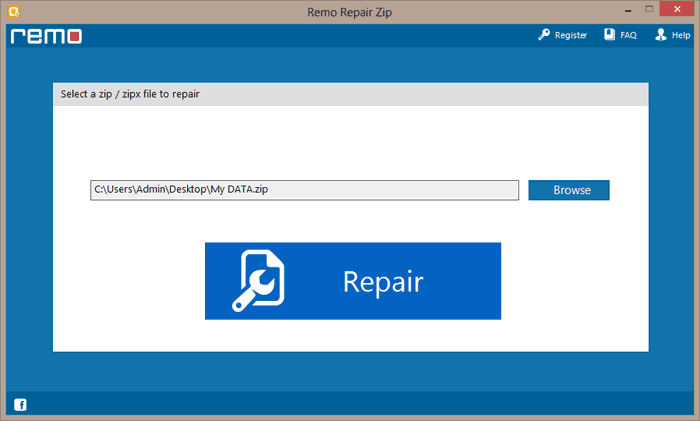
- Browse the location of the damaged file and click on the Repair tab.
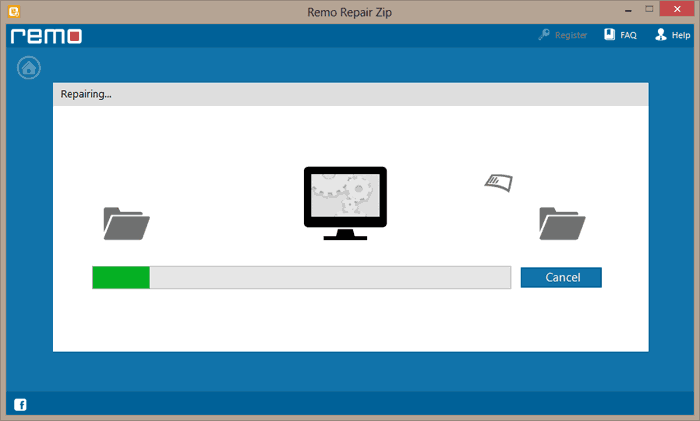
- Now software starts the scanning process.
- Once the scan gets completed a list of all repaired/ recovered files will appear on your screen.
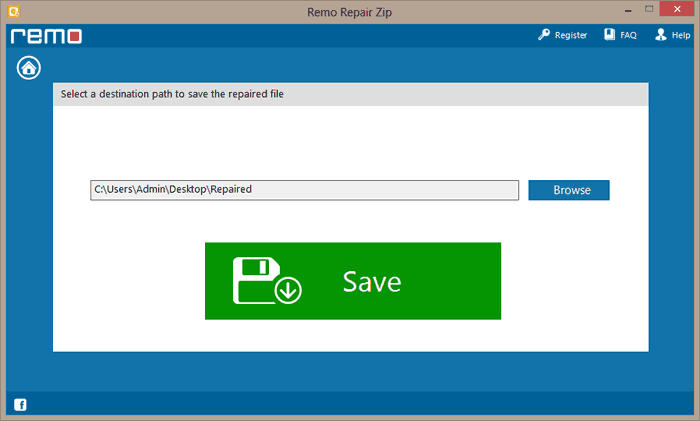
- Specify the destination location to save the files. Just click on the Save button and save the files.