How To Recover Data From Seagate Backup Plus Hard Drive?
Wondering how to recover data from Seagate Backup Plus hard drive? Be it accidentally deleted, lost, or even formatted Seagate Backup Plus, this article has got you covered. Moreover, for a hassle-free recovery make use of Remo Recover now which can help you recover your precious data from Seagate hard drives.
Solution: Seagate Backup Plus is a reliable external hard drive that is widely used to store and back up critical data. In today's digital age, where we are inundated with data, it's important to have a secure and dependable backup system.
Seagate Backup Plus offers additional features such as automatic backup, social media backup, and cloud backup, providing users with multiple options to secure their data. Its lightweight and compact design makes it easy to carry around, making it a perfect choice for those who work on the go. Its capacity ranges from a small 500 GB to a generous 4 TB. This slick HDD is compatible with both Windows and Mac Operating Systems.
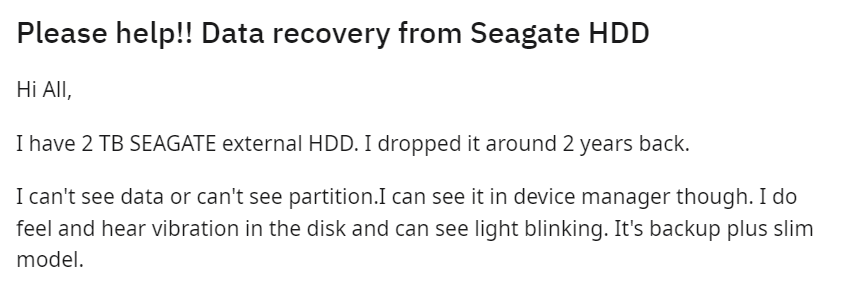
However data loss from an external hard drive can be unpredictable, and Seagate Backup Plus is no exception. Whether it's an accidental deletion or severe corruption, data loss can be a nightmare. But, don't worry, this article is here to guide you through Seagate Backup Plus data recovery and help you recover your valuable data. By using a professional external hard drive recovery tool such as Remo Recover, you can easily recover data from your Seagate Backup Plus external hard drive and avoid significant loss.
This article on Seagate Backup Plus data recovery covers everything from accidental data deletion to severe hardware damage or corruption. Read the full article to find out how to recover data from Seagate Backup Plus external hard drive.
Top Reasons for Data Loss on Seagate Backup Plus External Hard Drive
Seagate Backup Plus is a popular external hard drive for storing and backing up important data. However, data loss can occur due to various reasons, and it is important to know the common causes to prevent data loss.
Human Error: One of the most common causes of data loss on Seagate Backup Plus is human error. Accidentally deleting files or formatting the drive without taking a backup can lead to permanent data loss.
File System Corruption: File system corruption can occur due to sudden power failure or improper ejection of the Seagate Backup Plus drive. This can result in inaccessible files or even complete data loss.
Virus Attack or Malware Infection: Seagate Backup Plus drives can also be infected by viruses or malware, leading to data loss or encryption of the files. It is crucial to have an updated antivirus software installed on your system and perform regular scans to avoid such incidents.
Mishandling of Drive: Physical damage to the Seagate Backup Plus drive due to mishandling, dropping, or exposure to extreme temperatures can lead to data loss. It is important to handle the drive with care and store it in a safe place when not in use.
Power Failure: Sudden power outages or fluctuations can cause damage to the Seagate Backup Plus drive, resulting in data loss. It is advisable to use a surge protector to protect the drive from power surges and always back up the data to avoid data loss.
We highly recommend our readers handle the Seagate Backup Plus Desktop drive with care and use an updated antivirus software installed, and back up the computer regularly to prevent permanent data loss.
How to Recover Files From Seagate Backup Plus External Hard Drive?
To recover lost files from Seagate Backup Plus external hard drive you need one of the best external hard drive recovery software like Remo Recover. This tool is known for its excellent capability to recover lost or deleted data from various brands of external hard drives, including Seagate.
Moreover, this seagate backup plus recovery software can quickly perform Seagate Backup Plus data recovery in just a few simple steps. Remo can recover over 500 file formats, such as videos, photos, excel files, word files, and more.
Regardless of the severity of data loss, Remo can handle small data loss scenarios as well as complicated data loss scenarios with ease. Download this tool now and follow the below simple steps to perform hassle-free seagate backup plus recovery.
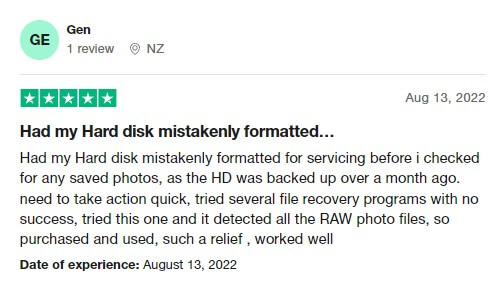
Remo Recover has a 4.5-star rating on trusted review platforms like Trustpilot
Steps to Recover Data From Seagate Backup Plus Hard Drive
Here are the steps to recover your data from a Seagate Backup Plus external hard drive using Remo Recover:
First, download and install Remo Recover on your computer.
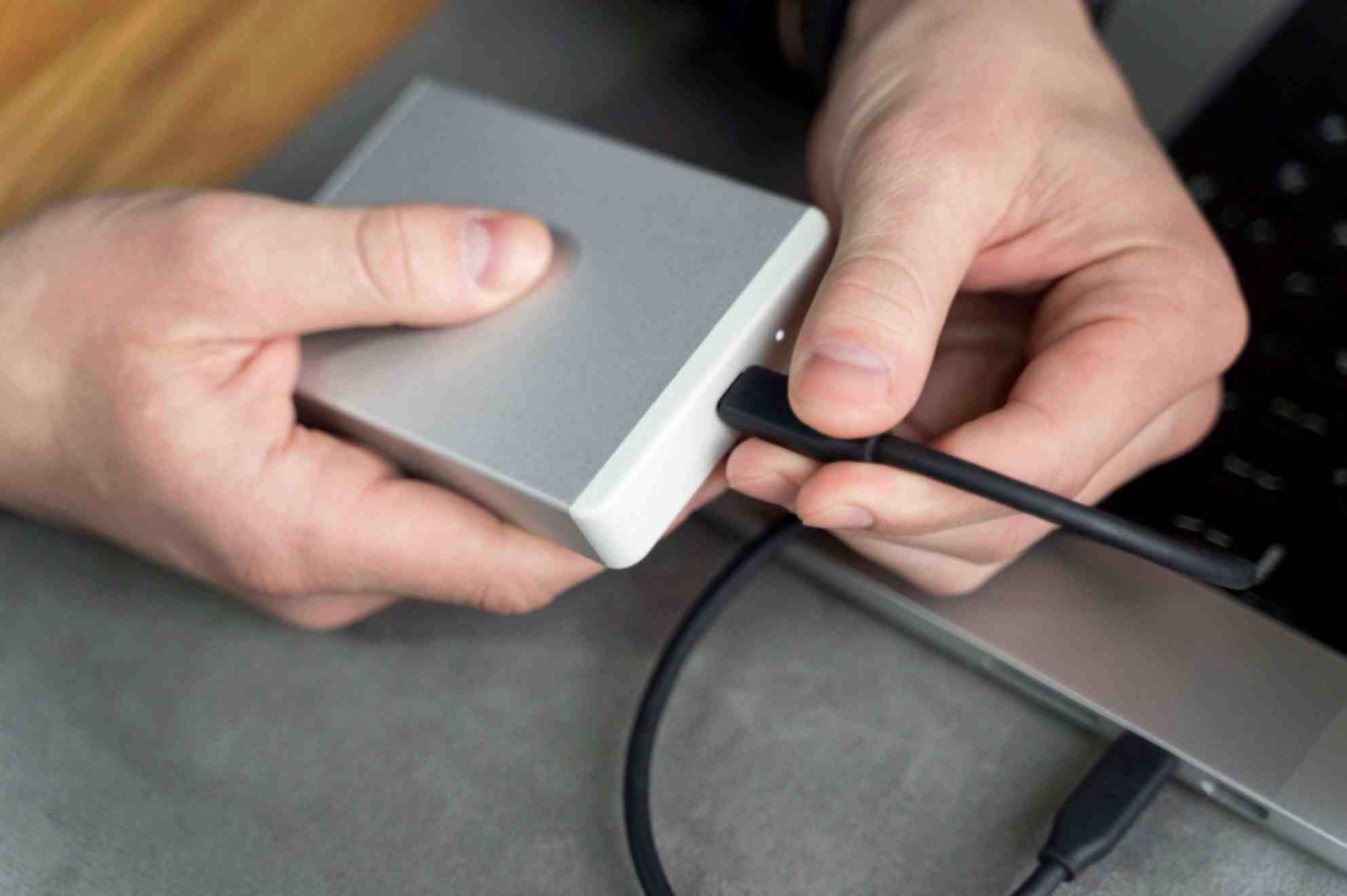
Connect your Seagate Backup Plus external hard drive to your computer using a suitable USB cable.
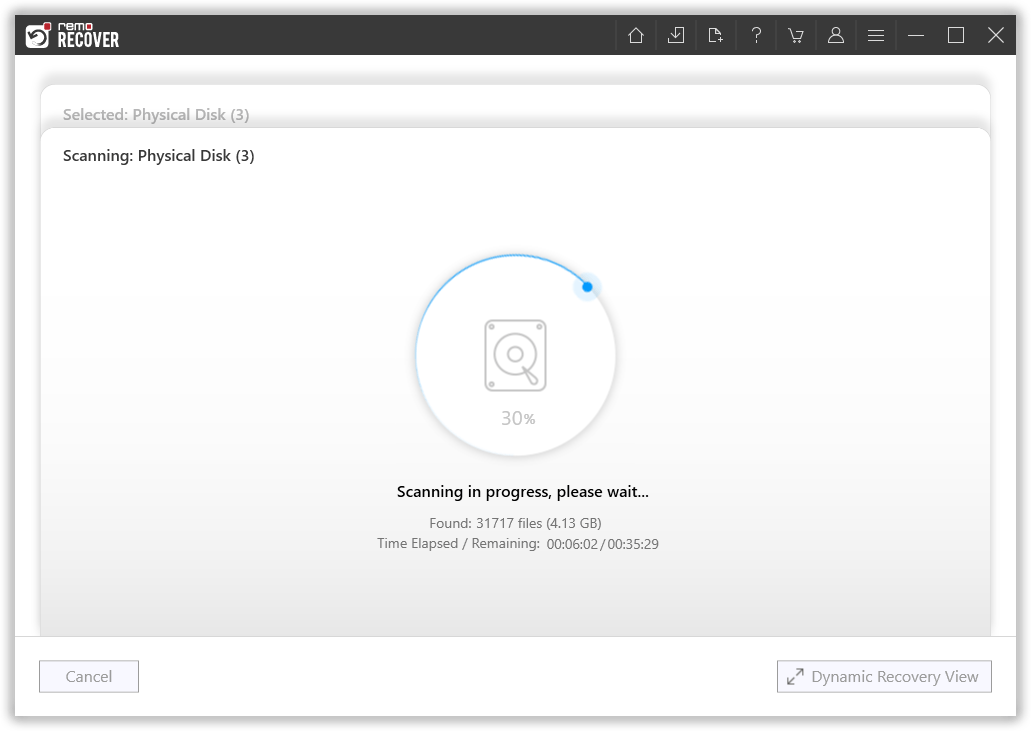
Launch Remo Recover and select the Seagate Backup Plus hard drive from the list of available drives and click on the Scan button to start the scanning process.
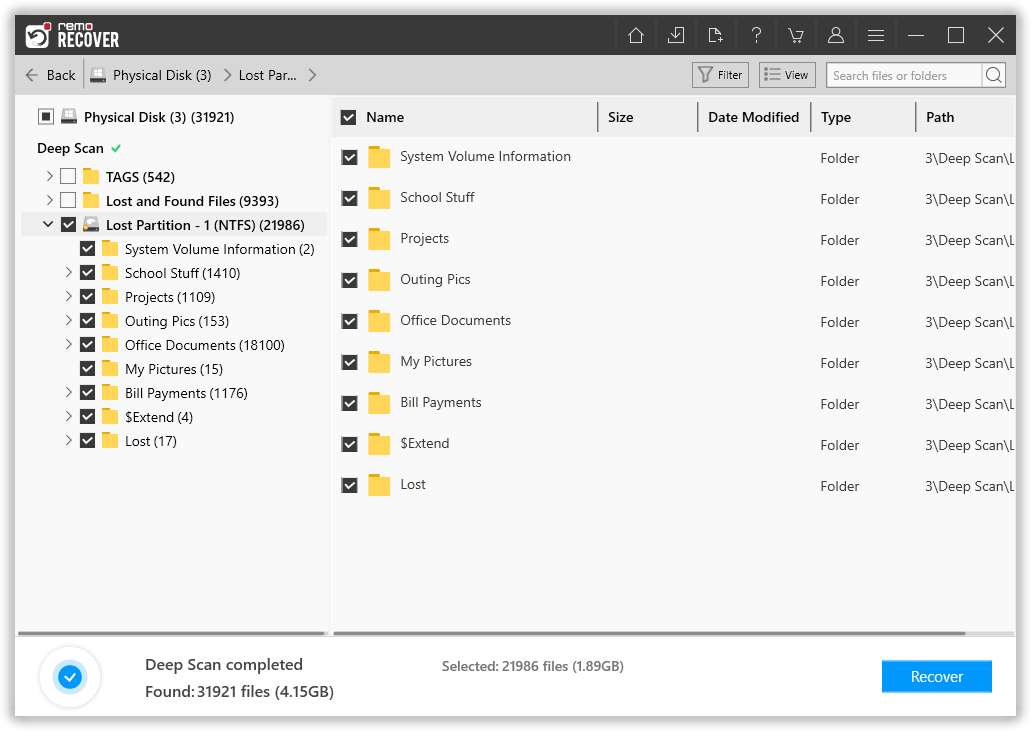
Once the scanning process is complete, Remo Recover will list all the lost files under the Lost and Found folder or the Lost Partition folder.
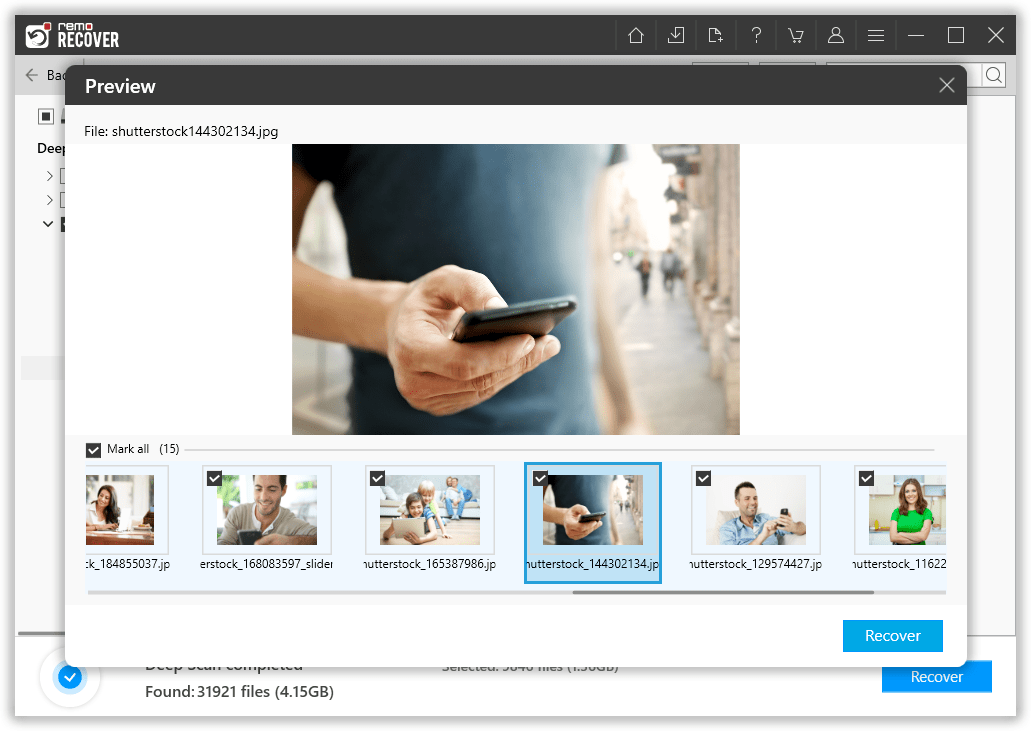
You can Preview the recovered files for free to judge the success rate of the files.
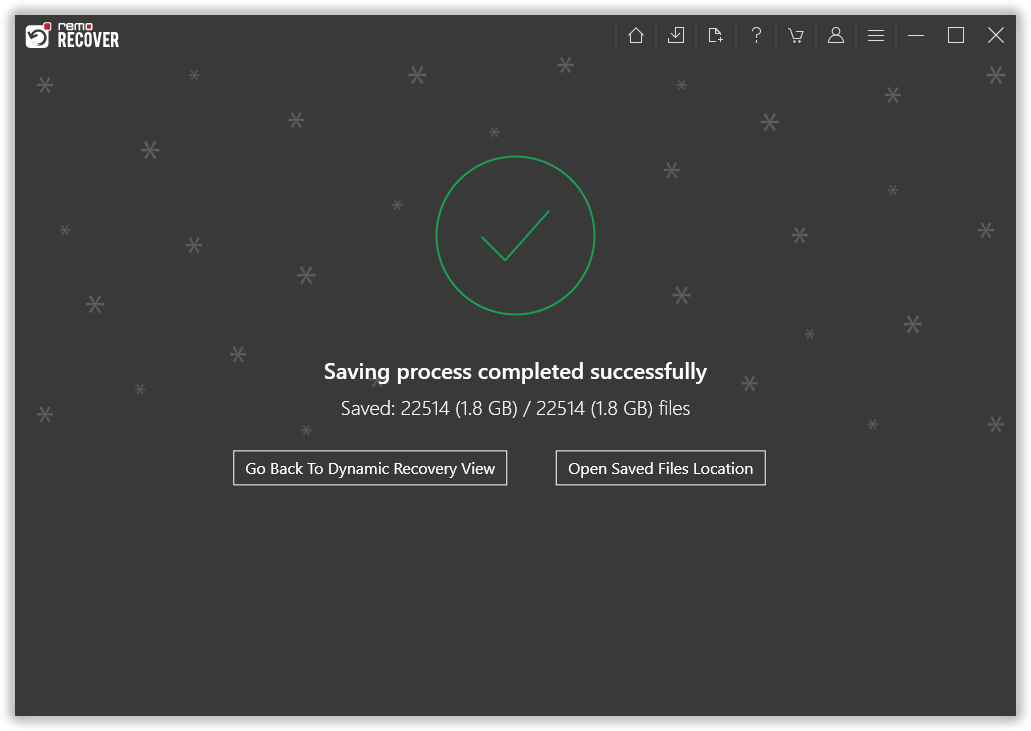
Finally, click on the Recover button and save the files to a safe location by clicking on the OK button to complete the Seagate Backup Plus recovery process.
By following these simple steps, you can easily recover your lost data from a Seagate Backup Plus external hard drive using Remo Recover.
Bonus Tip: How to Ensure a 100% Successful Seagate Backup Plus Recovery?
Choose a Reliable Recovery Tool: Select a reputable and reliable hard drive recovery software such as Remo Recover that is capable of recovering lost or deleted data from Seagate Backup Plus.
Avoid Using the Affected Hard Drive: Stop using the Seagate Backup Plus external hard drive immediately after realizing that data loss has occurred. Continued use can overwrite the lost data, making it more difficult to recover.
Act Fast and Stop Using the Device: Time is of the essence when it comes to data recovery. The sooner you act, the higher the chances of a successful recovery of a Seagate external hard disk.
Enable Deep Scan for Better Results: Deep scanning is a thorough search that can help to locate lost files that were not found during the initial scan.
Recover and Save Files to a Safe Location: Once you recover the deleted files from an external hard drive, save them to a different location other than the Seagate Backup Plus external hard drive to avoid overwriting the lost data.
Keep Multiple Backups to Avoid Future Data Loss: Creating multiple backups of your important files is a smart way to protect your data from future data loss scenarios.
Use Remo Recover Mac for Mac Users: If you're using a Mac computer, use Remo Recover Mac, which is a version of Remo Recover designed specifically for macOS. It has all the features and capabilities of the Windows version and can recover lost data from Seagate Backup Plus external hard drives on macOS systems.
Seek Professional Assistance if Necessary: If you are unable to recover data from Seagate Backup Plus using a data recovery tool, consider seeking professional assistance from a data recovery service provider. They can employ advanced recovery techniques to recover your lost data.
Some Valuable Tips to Protect your Seagate Backup Plus Drive From Data Loss
Below we have mentioned some useful tips which can definitely help you to protect your data from unwanted data loss.
Handle your Seagate Backup Plus Drive with care: It's important to handle your Seagate Backup Plus drive with care. Avoid dropping it or exposing it to extreme temperatures or humidity, as this can cause damage to the drive. To keep it safe, consider keeping it in a protective case when not in use.
Keep your drive clean: To maintain your drive's longevity, regularly wipe it down with a soft, dry cloth to keep it clean and free of dust.
Always use surge protection: When plugging in your Seagate Backup Plus drive, use a surge protector to protect it from power surges or voltage spikes that could cause damage.
Safely eject your drive: Always remember to properly eject your Seagate Backup Plus drive from your computer before unplugging it to avoid data loss or damage to the drive.
Encrypt your data: For added security, use encryption software to protect your sensitive data from unauthorized access.
Backup your valuable data: Always take a backup of your computer to avoid unwanted data loss.
By following the above-mentioned tips, you can take proactive measures to keep your Seagate Backup Plus drive safe and secure and help ensure your data remains protected at all times.
Conclusion
The process of recovering data from Seagate Backup plus or any other storage device is quite challenging. With no proper information and guidance, one has more chances of causing further damage to the external hard drive or data than recovering lost information.
Hence it is advised to make use of Remo Seagate Backup Plus Recovery Software using which recovering data from Seagate Backup Plus is safe and secure.
Frequently Asked Questions
Yes, it's possible to recover data from a Seagate Backup Plus hard drive. If the drive has suffered logical issues like a corrupt file system, you can use specialized hard drive recovery software to retrieve the data. In the case of physical problems, you may need to enlist the help of professional data recovery services. It's worth noting that time is of the essence since any new data written to the drive could potentially overwrite the original data. As such, it's best to attempt data recovery as soon as possible to maximize your chances of success.
To utilize the Mirror folder functionality on your Seagate Backup Plus drive, you'll need to take the following steps:
First, download and install Seagate Toolkit software onto your computer.
After installation, launch the Toolkit and navigate to the Mirror Activity option located in the main menu.
Finally, click on Mirror Now to start the mirroring process.
To recover data from your Seagate Backup Plus drive using Remo Recover, follow these simple steps:
Download and install Remo Recover software onto your computer.
Connect the Seagate Backup Plus drive to your computer.
Open Remo Recover and select the Seagate drive from the list of available drives.
Click on the Scan button to initiate the scanning process.
Once the scan is complete, Remo Recover will display a list of all the recovered files.
Select the files you want to recover and click on the Recover button to save them.
To use your Seagate Backup Plus Desktop drive, follow these simple steps:
Connect the provided power cord to the Backup Plus Desktop drive and a working power outlet. The LED on the drive will illuminate when powered up.
Connect the Backup Plus Desktop drive to your computer using the provided USB cable. Insert the USB Micro-B side of the cable into the drive and the USB Type-A side into a USB port on your computer that supports USB Type-A.
Double-click the Seagate Dashboard Installer (exe for Windows or dmg for Mac) to start the installation process.
Register your Seagate Backup Plus Desktop to access the latest information about the product.
Seagate Backup Plus offers a convenient, one-click backup solution for safeguarding and sharing all of your digital content. This drive includes simple and customizable backup settings, and it even automatically saves photos from your social media accounts. So, yes, Seagate Backup Plus can back up your files automatically without disrupting your daily activities.
To set up your Seagate Backup Plus drive, follow these simple steps:
Connect the drive to your computer or network.
If you're using a NAS device, you'll find the Seagate Dashboard Installer under the Public folder. For other Seagate drives, it's typically in the main folder.
Double-click the Seagate Dashboard Installer (exe for Windows or dmg for Mac) to start the installation process.
Follow the on-screen instructions to complete the setup.