Remo Repair Word
Microsoft Word is the most popular application used in creating professional documents on Windows. Its unparalleled popularity makes it the most widely used document processing application in the whole world.
However, it is the best software available to create documents but there are several reasons, which can cause corruption to a Word file.
Remo Repair Word is the right solution to repair such Microsoft Word documents. It scans and extracts the text from damaged or corrupt Word files (.doc, .docx) that may refuse to open. Once a file is repaired using Remo Repair Word, the extracted text can be saved in a new healthy blank Word file.
Features
How safe is Remo Repair Word?
Your original .doc or .docx file remains intact – It reads from the original file and a new healthy Word file is generated. This ensures that your original corrupt .doc or .docx file remains intact, and no further damage will be caused.
Professional 24x7 Support. Remo Software’s support team can help resolve any difficulties or provide answers to an unlimited number of questions related to our products. You can contact our team 24x7 through live chat or submit a trouble ticket through the website.
How does Remo Repair Word works?
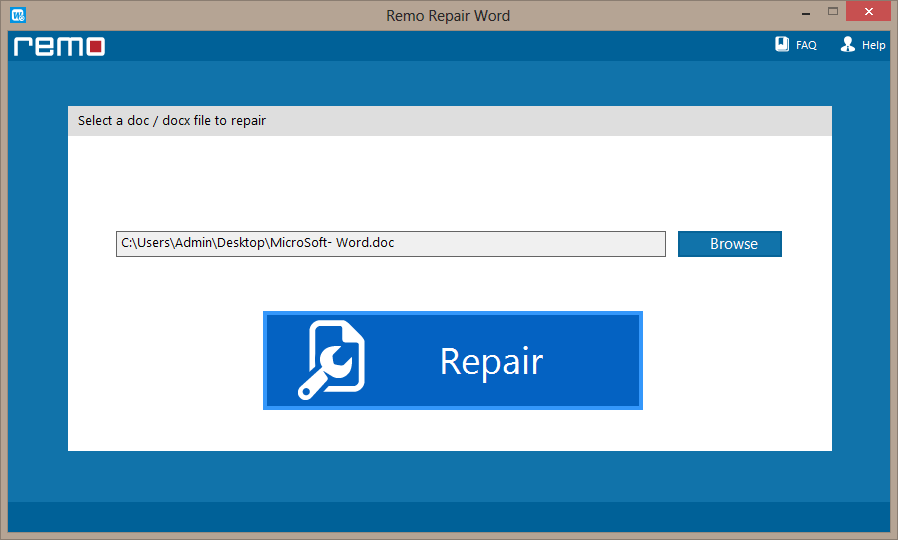
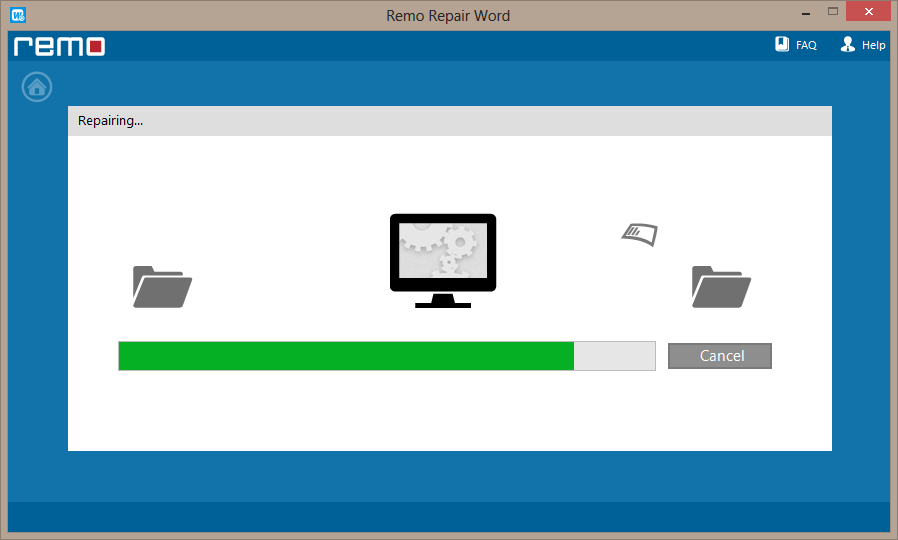
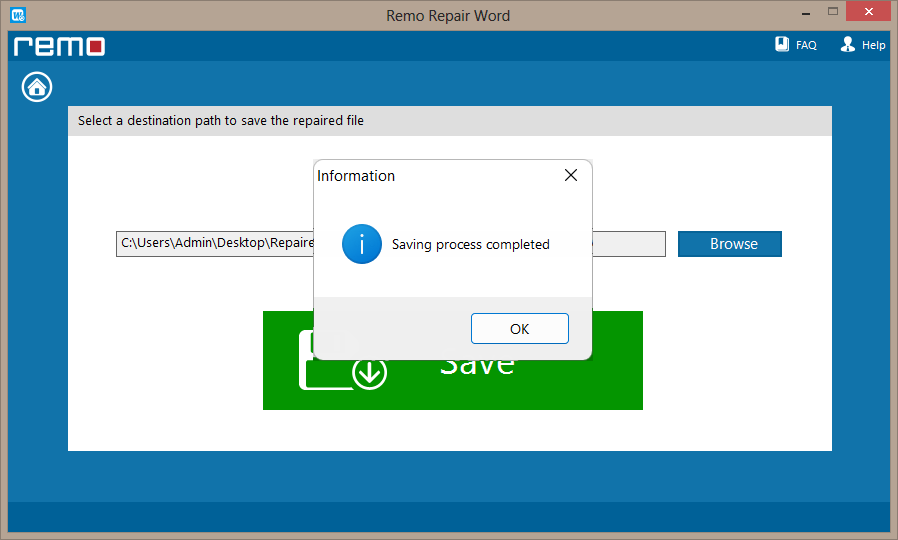
The software uses an automated process to repair corrupt MS Word (.doc, .docx) files.
Note: The trial version of Remo Repair Word software is technically similar to the activated version, except that "saving" of recovered data is disabled. The software needs to be activated in order to enable "saving" functionality, which completes the repair process
Remo Repair Word is a repair tool, which can repair corrupt DOC, DOCX files. Incase if you are looking to recover deleted DOC, DOCX files then download either Remo Recover (Windows) or Remo Recover (Mac).


"...All of my documents and photo files were recovered in the same folders and file names as they were originally. I had over 400 GB of data restored..."
Kathryn Boulden
"...Remo Recover retrieved all my broken and deleted files without missing a single one..."
Jay Dandell
Operating System – Microsoft Windows 8, Windows 7, Windows Vista, Windows XP, Windows 2003 and Windows 2008
Microsoft Office 2000 or above must be installed on the host computer
RAM – 1 GB RAM (Recommended, 2 GB RAM)
Free disk space - 50 MB (for installation)
You must log in to your Windows PC as Local System Administrator to install this software
Supports 32-bit, 64-bit PC