Remo Repair MOV
The software has been designed to repair corrupt / damaged MOV files, which may get corrupted due to fault with the digital video camcorder firmware, resulting in recording video which cannot be played due to corruption or due to any other reasons. The repair technique used by Remo Repair is unique and better when compared to any other MOV repair tools available.
Features
Supported Codecs
Below mentioned are video file codecs supported by Remo Repair MOV
The feasibility, that a corrupted file can be repaired using Remo Repair MOV depends on the model of the camcorder that generated it along with the supported codec format as listed above.
List of supported Camcorders
| Kodak Zi8, KodakZ980, Kodak Playsport Zx3, Kodak Playsport Zx5, Kodak Zx1, Kodak Ze1 | |
| Nikon Coolpix S9100, Nikon CoolpixP1, Nikon CoolpixP3, Nikon Coolpix L5, Nikon Coolpix SQ, Nikon Coolpix S50, Nikon Coolpix L10 | |
| Casio Extr100, Casio Ex-Zr100, Casio Ex-Zr10 | |
| Canon500D, Canon 550D, Canon600D, Canon 60D, Canon1100D, Canon 5D, Canon7D, Canon SX50 HS, Canon S100 | |
| Panasonic DMC LZ8, Panasonic DMC FZ07, Panasonic DMC FX9, Panasonic DMC TZ3, Panasonic Lumix DMC ZS3, Panasonic Lumix DMC TZ3 | |
| Olympus Sx772, Olympus D4193, Olympus D4415, Olympus SZ30 MR | |
| Fujifilm finepix X100, Fujifilm finepix HS20EXR | |
| Samsung SMX-C20N, Samsung TL34, Samsung TL225 | |
| ContourHD | |
| GoPro Hero, Gopro Helmet | |
| Sanyo XACTI HD 1000 | |
| BlackMagic Pro recorder | |
![]() |
Photo Booth Version 2.0.3(77), 3.0.3(120) and 4.0.0.1(280) - Support available in Mac version only |
| iPhone 4, iPhone 4S, iPhone 5 | |
| iMovie' 11 - Version 9.0.4(1635), 9.0.8(1778) Support available in Mac version only | |
| Sony NEX 5 Support available in Mac version only | |
| Replay XD1080 | |
| iStopMotion |
In case, if the MOV or MP4 that you are looking to repair is not getting repaired by the software, still it is possible to add the support for the file within the software.
Kindly create a support ticket at our support panel notifying about the unavailability of support for the file that you are looking to repair and our support team will help you further.
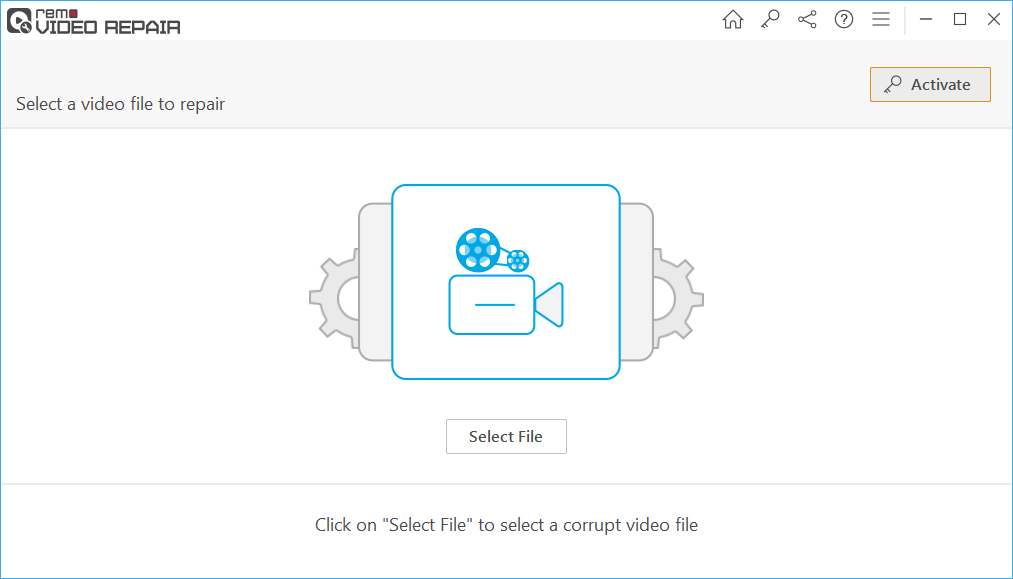
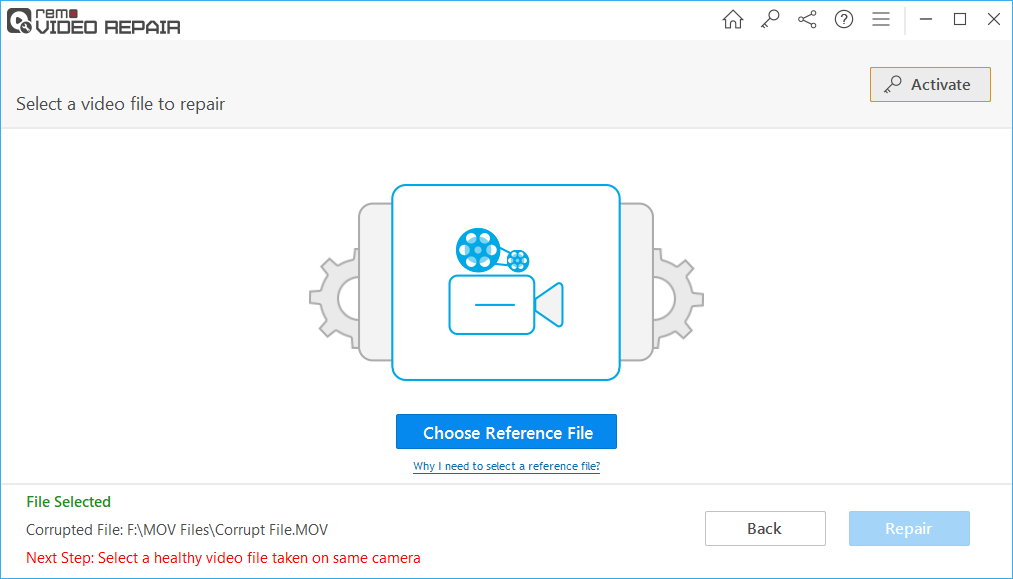
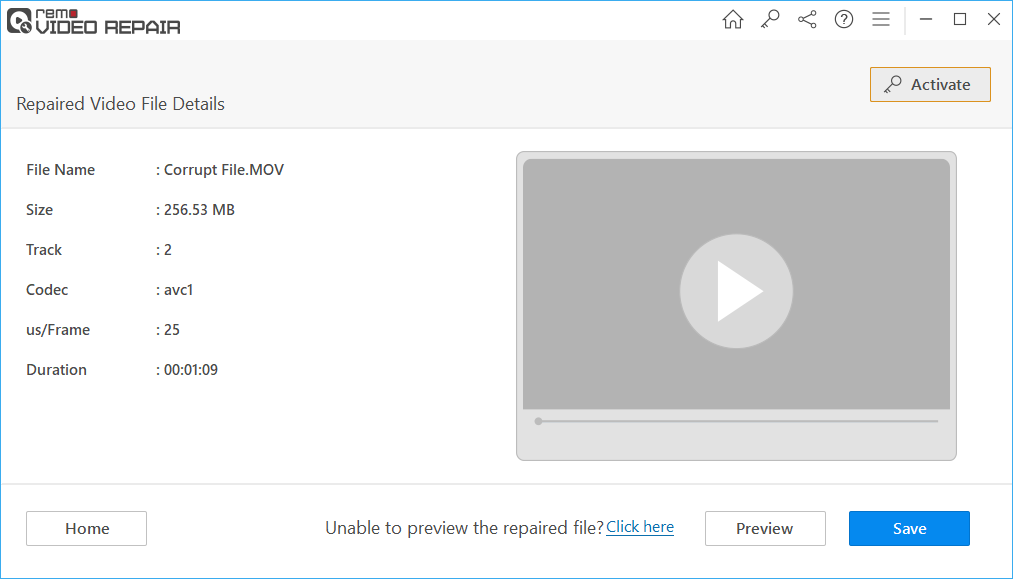
How to Repair MOV files using Remo Repair MOV?
Remo Repair MOV is a repair tool, which can repair corrupt MOV, MP4 video files. Incase if you are looking to recover deleted MOV, MP4 video files then download either Remo Recover (Windows) or Remo Recover (Mac).
See also:


"...All of my documents and photo files were recovered in the same folders and file names as they were originally. I had over 400 GB of data restored..."
Athryn Boulden
"...Remo Recover retrieved all my broken and deleted files without missing a single one..."
Jay Dandell
System Requirements for Mac
Operating System – Mac OS X 10.6 Snow Leopard (64-bit), Lion 10.7 (64-bit) and Mountain Lion 10.8 (64-bit)
RAM –1GB RAM minimum, 2GB or more recommended
Supports only 64-bit Mac OS X
You must login as system administrator on your Mac to install and use the software
You must have a spare USB drive, FireWire drive or any internal drive where you can save repaired data. Also, this spare drive must have enough free disk space to save repaired data
System Requirements for Windows
Operating System – Microsoft Windows 8, Windows 7, Windows Vista, Windows XP, Windows 2003 server or Windows 2008 server
RAM – Minimum 1 GB RAM
Minimum 50 MB of free disk space
Architecture supported – x86 & x64
Application architecture – x86(32bit app)